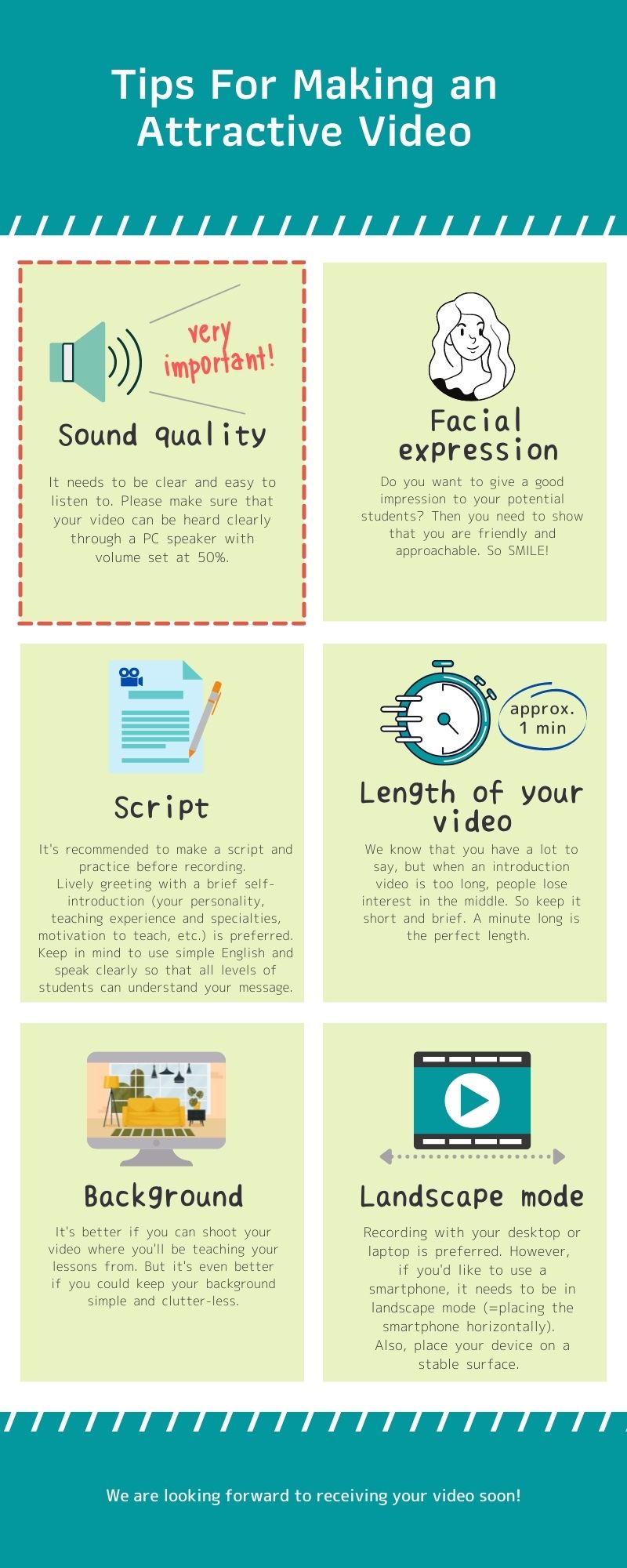
Please check the following instructions and make your self-introduction video.
If your video is impressive, you will be invited to an online interview with us.
How to make a video
A. PC/ Mac
Please use a video recording software.
If you don't have such software, we recommend "Debut".
This software is very simple and downloadable from the following site.
https://www.nchsoftware.com/capture/index.html
Using this software, you could record your video very easily.
- Please select "mp4" when saving your video file.
B. iPhone/ Smart Phone
You could also record a video using your iPhone or Smart Phone.
In this case, please use a table or tripod so that your video image can be stable (not shaky).
Sample Videoes
Please check the following sample videos and make sure that your voice can be heard as clearly and loudly as these videos.
How to submit your video
Please attach your video to Eigox Application Form.
Make sure that your voice can be heard clearly and loudly enough on students' PC. (Students usually set their speaker volume at 50%. So, when you double check your video, please set your speaker volume at 50% as well.)
Result
We will watch your video and let you know the result within 3 business days.